During this step suppliers are invited to participate in the auction. The system automatically marks suppliers who have not received an invitation. The user can choose the suppliers to whom the invitation will be sent.

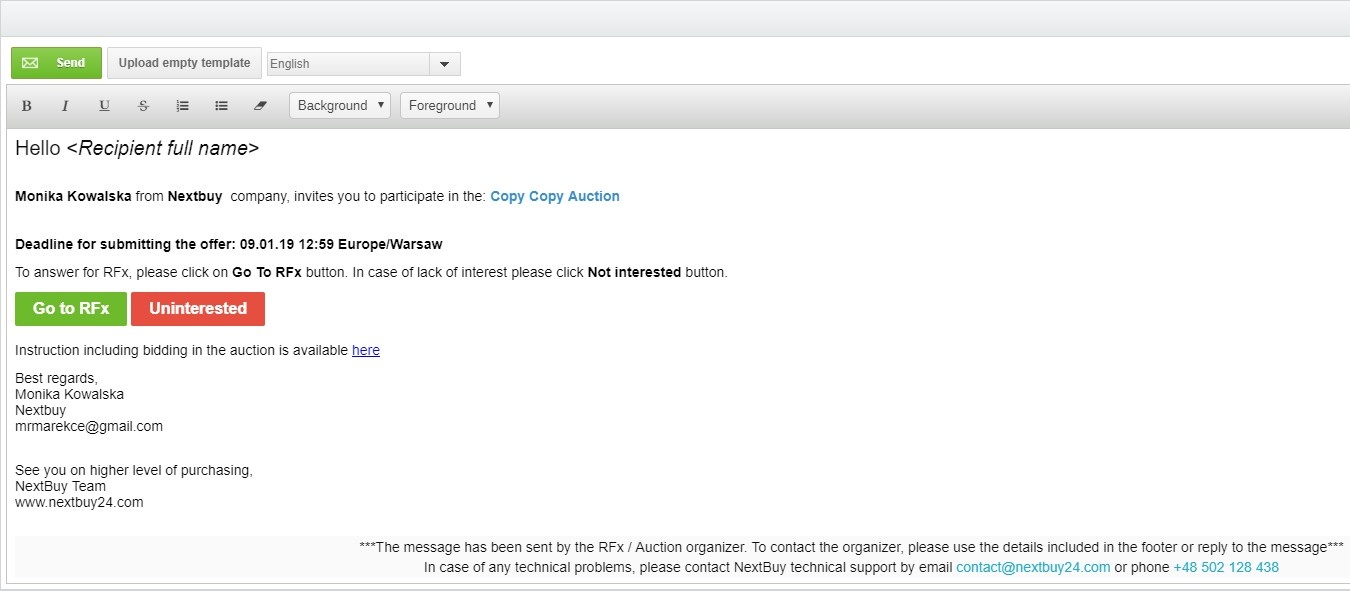
After selecting the right suppliers, click the send invitation button. The new window will display an email template that will be sent to the suppliers after clicking send.
Also check: