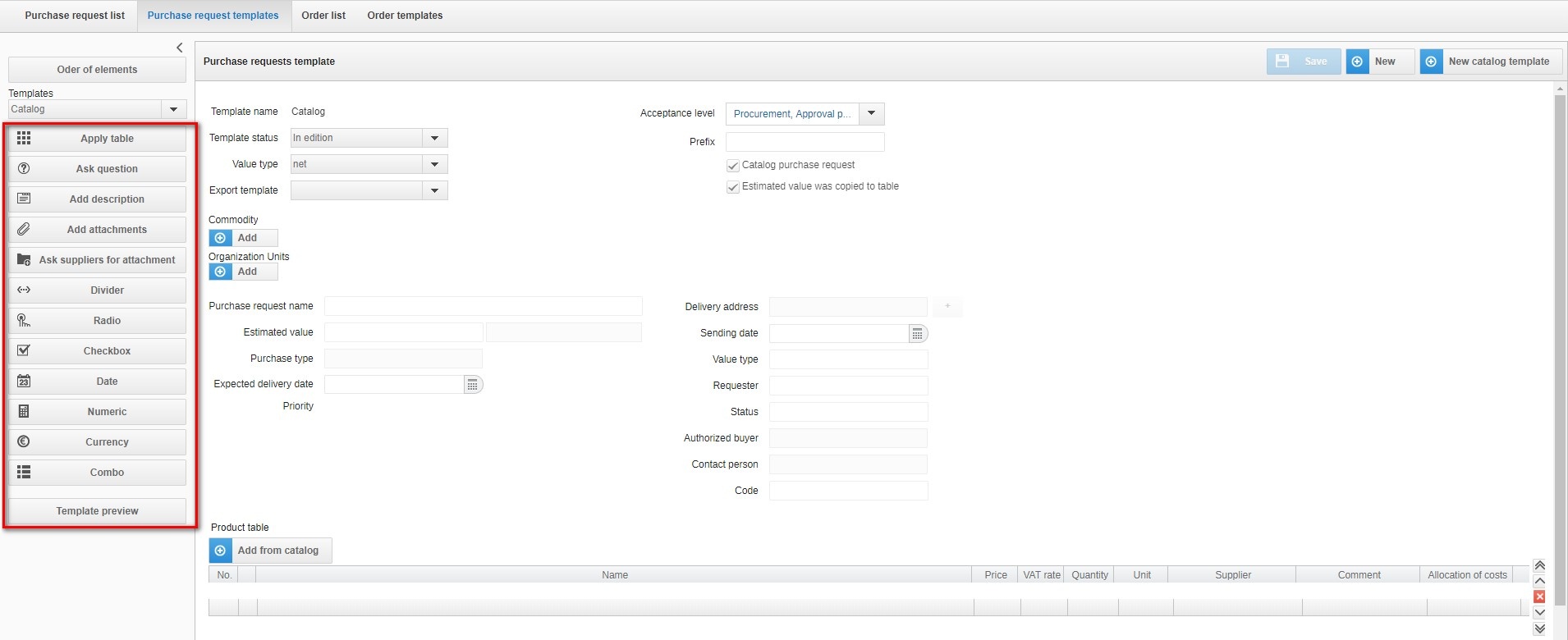
This tab allows you to create the right requisition template that will be accepted by the acceptors. The form can be created using the elements on the left. You can create a catalog and non-catalog template. Each template can contain different types of fields.
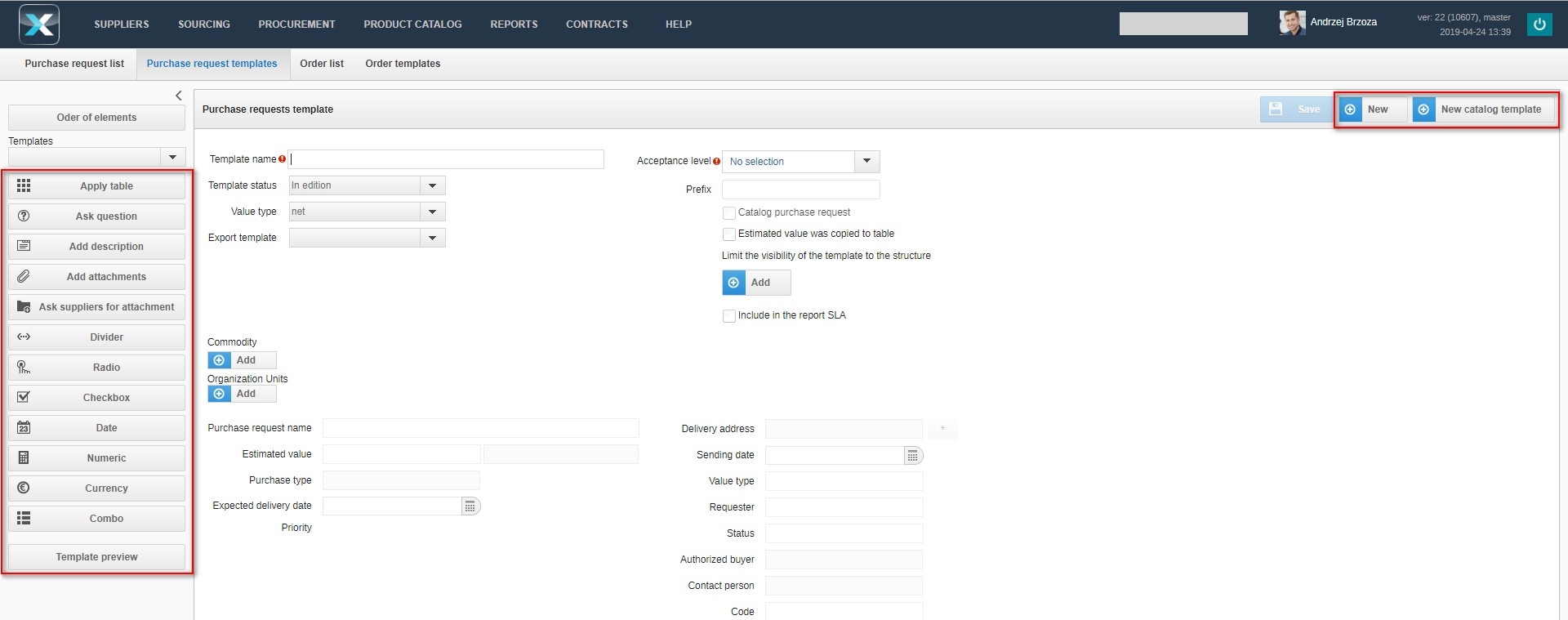
Each added field can be moved or deleted.

The meaning of the edit buttons:
 move the element to the top of the form
 move the element o
 remove the selected item from the form
 move the item one position lower in the form
 move the item to the very bottom of the form
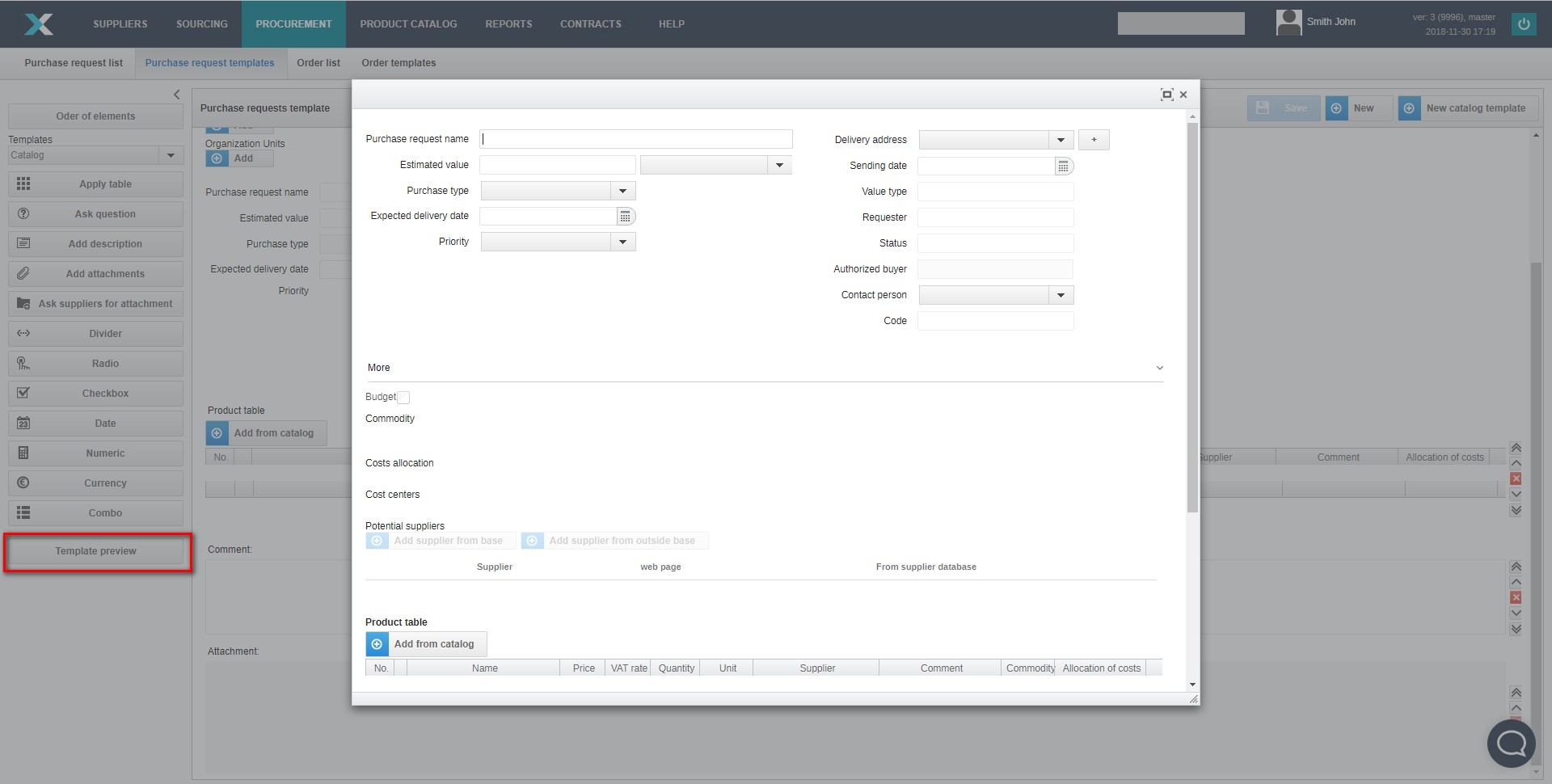
The system allows you to preview the purchase request template at any time. The preview mode shows how the acceptor sees the purchase request.
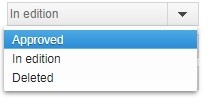
To edit the purchase request template, we change the status of the template to Edit and click the Save button. To save changes made to the template, you must re-change the status of the template to Approved and press the Save button.
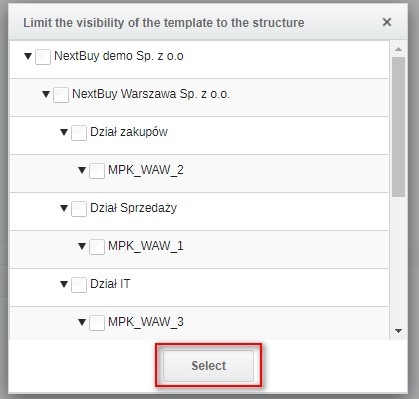
To limit the visibility of the template only for the selected structure, click the Add button and then select the structure and confirm by clicking the Select button.