In the Contracts tab, the user can create a new contract. It is necessary to give the name of the contract, specify the supplier with whom the contract is concluded as well as the date of entry into force of the contract.
The contract will be saved after clicking the Save button.
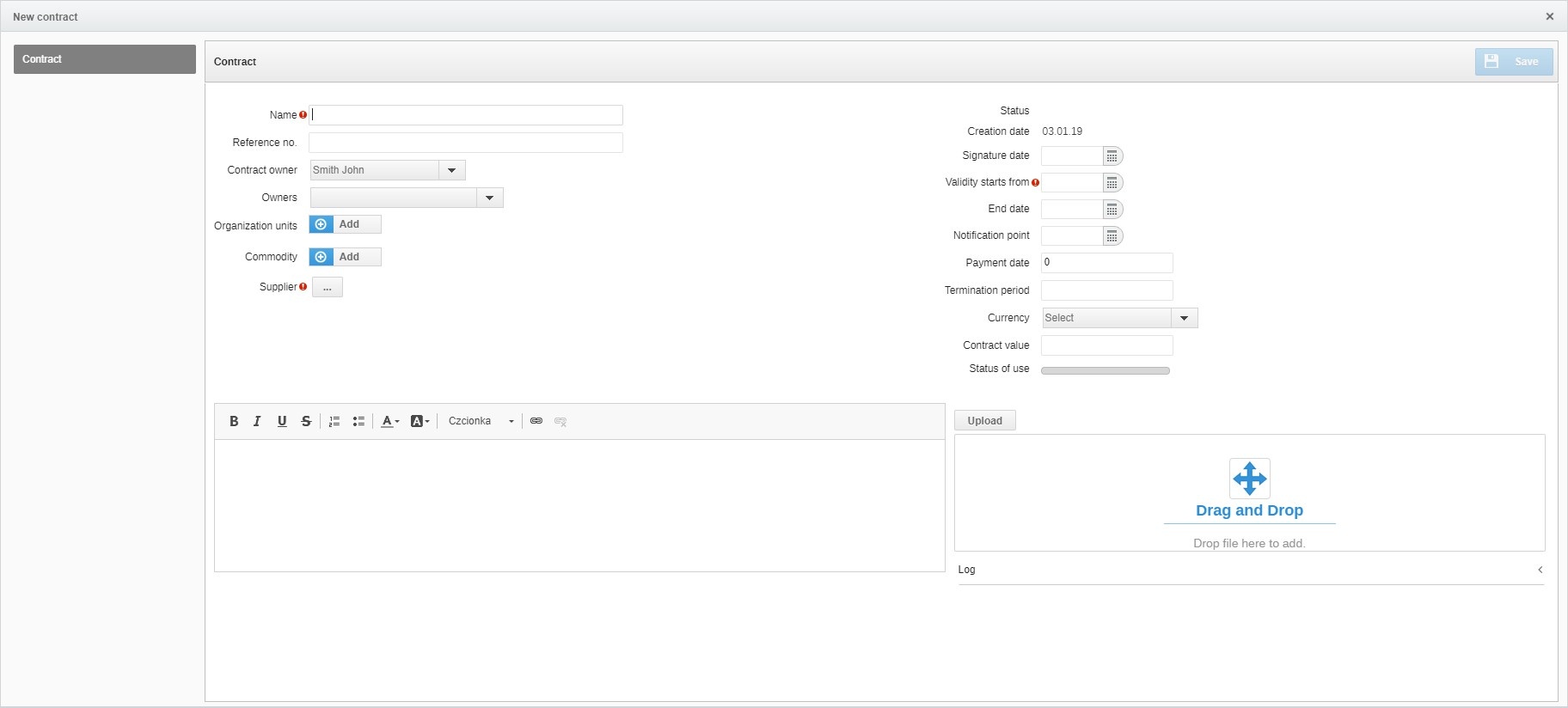
The scope of data in the contract form is presented in the table below:
| FIELD NAME | TYPE OF FIELD | DESCRIPTION |
|---|---|---|
| Name (left side of the form) | Textbox | Required field |
| Reference number (left side of the form) | Textbox | |
| Owner of the contract (left side of the form) | Check box | You can choose the person who owns the contract from the team / colleagues. The system downloads members of the evaluation team. |
| Organizational unit (left side of the form) | Check box | The possibility of indicating the right unit to which the contract should be assigned. In the case of creating a contract with proceedings, the unit will be copied with the possibility of editing. |
| Commodity (left side of the form) | Check box | It is possible to indicate a category. Requirement to indicate at the lowest level. In the case of creating a contract with proceedings, the unit will be copied with the possibility of editing. |
| Supplier (left side of the form) | Check box | The possibility of indicating the supplier from the database. In the case of creating a contract of conduct, the supplier's details are automatically filled |
| Status | Field filled up automatically | Available statuses: created - after saving, valid - after clicking, confirm, ends - status changes automatically when the notification deadline expires, ends - when the end time has expired, canceled - manual change |
| Date created | Field filled up automatically | Current date downloaded. |
Date of signing | Date field | Field filled up by hand. It is possible to indicate the date using the calendar option |
| Date of entry into force | Date field | Field filled up by hand. It is possible to indicate the date using the calendar option. |
| End date | Date field | Field filled up by hand. It is possible to indicate the date using the calendar option. |
| Date of notification | Date field | Field refilled by hand. It is possible to indicate the date using the calendar option. On the given date, the system will send a reminder to the user that the contract expires. |
| Payment deadline | Numeric field | |
| The period of notice | Textbox | |
| Currency | Check box | You can choose from the list: PLN, USD, GBP, EUR, CHF |
| The value of the contract | Numeric field | |
| Status of use | Progress field | The field allows you to monitor the level of use of the contract in the event of generating related orders |
| Attachments | File field | |
| Descriptive field | Long text field | |
Contract type * | Check box | Fields allowing configuration of contract types. |
UWAGA
*If you do not have a particular feature, please contact us for more details.
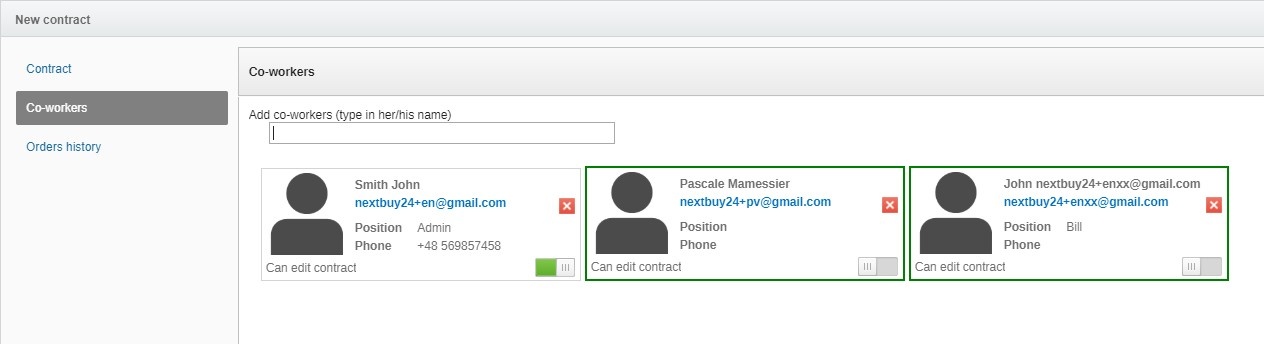
In the Co-workers tab, the system will enable the management of persons who have access to a given contract and give permission to edit it.
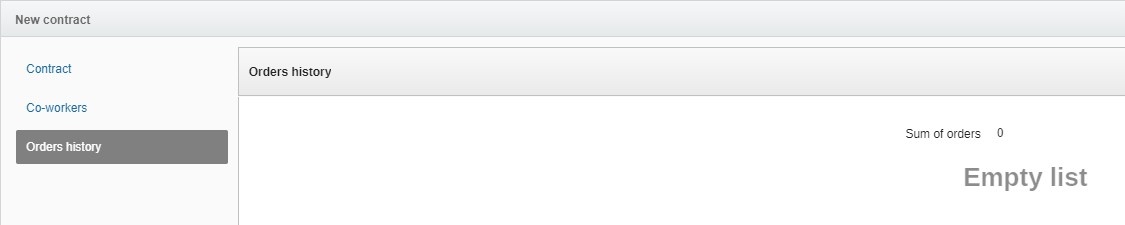
In the orders history tab you can view all orders related to a given contract.
In the tab linked objects, the system will display a reference to the object (procedure) from which the contract was created (this applies to the situation when the contract was created from the level of the proceeding).

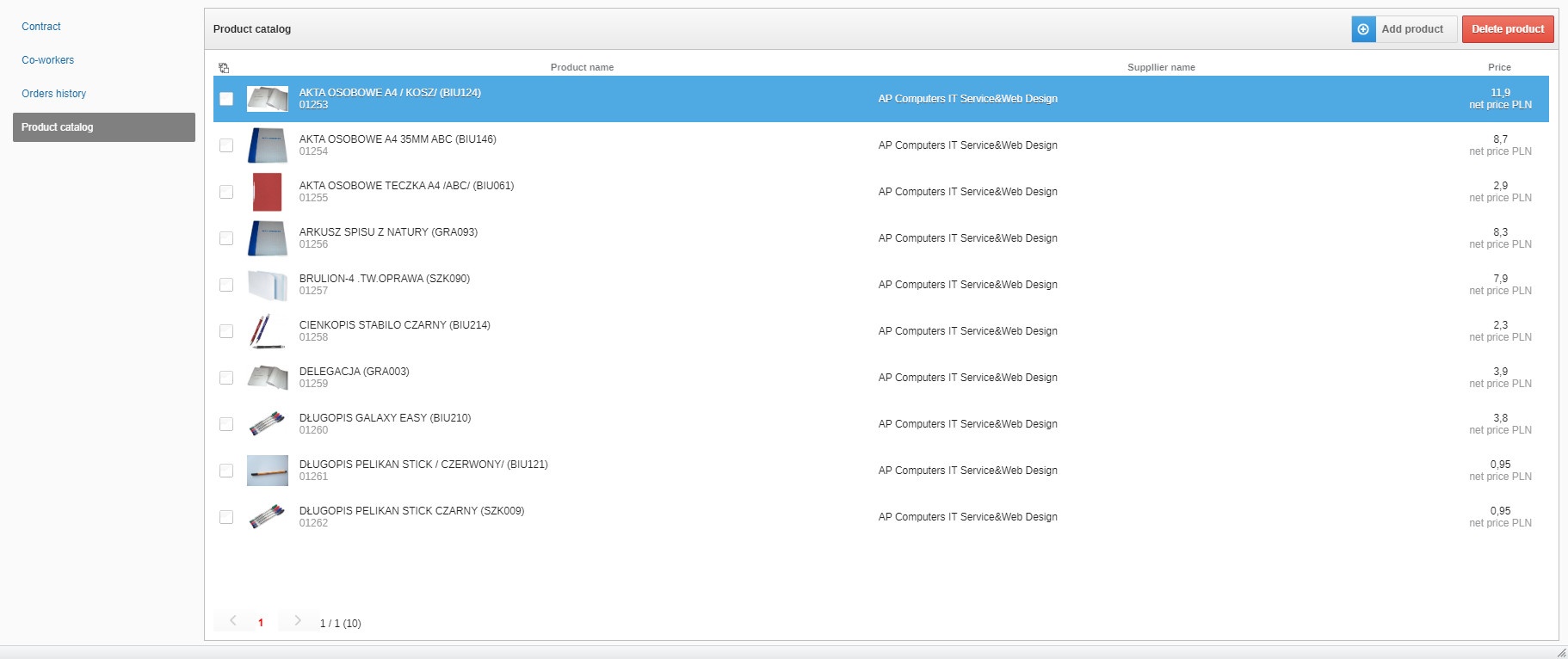
In the Product Catalogue tab, the system will display the catalogue products related to a given contract and enable linking a new product with the contract.
To add a contract type, in the company profile, click the Contract types tab and then Add a new contract type.
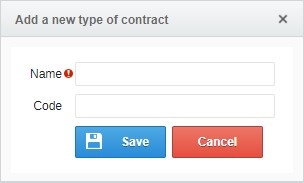
It is necessary to save the type of contract by entering its name and then clicking the save button.
Attention
If you do not have a particular feature, please contact us for details.
Also check: