This tab allows you to create the correct order template that is sent to the supplier. You can create a template by clicking on the New Template button.

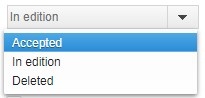
To edit the order template, change the status of the template in edition and click Save. To save changes made to the template, you must re-change the status of the template to Accepted and press the Save button.
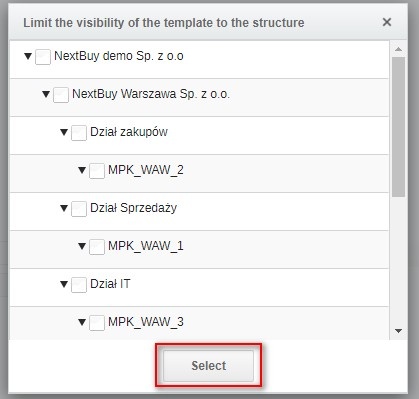
To limit the visibility of the template only for the selected structure, click the Add button and then select the structure and confirm by clicking the Select button.

Also check:
