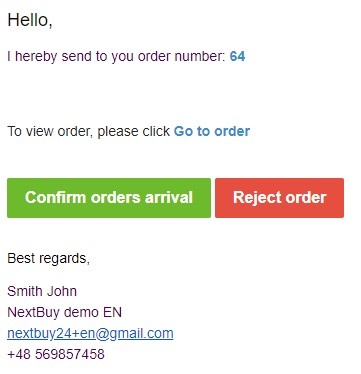
In the body of the e-mail message, which the supplier receives after sending the order by the buyer, the supplier can confirm the order by clicking the confirm the order and rejecting the order by clicking the button reject the order.
In the list of orders in the Accepted by the supplier column, the system displays information about the status of the order's acceptance by the supplier. There are 3 statuses:
- Yes - after the order has been confirmed by the supplier
- No - after the order has been rejected by the supplier
- No response - in a situation where the supplier did not confirm and did not reject the order

Also check: