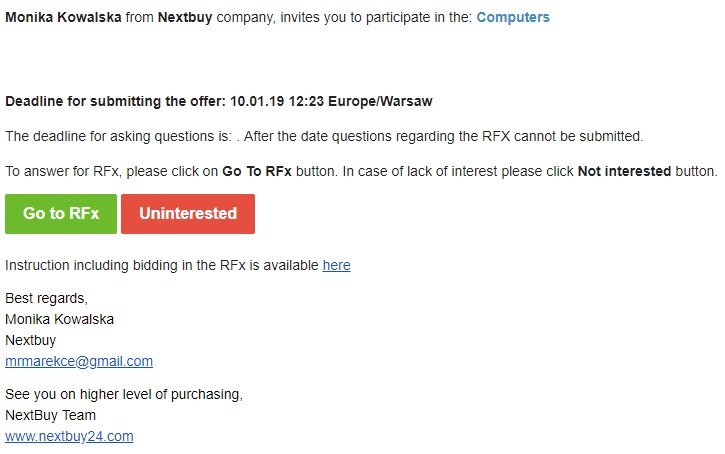
For the supplier to be able to participate in the inquiry, he must receive an invitation from the buyer. The invitation is sent to the email address. The buyer can set the option of submitting offers by suppliers without creating an account on the platform. To display the query, you must click the Go to form button, but if the provider is not interested, click the Uninterested button.
After entering the form, a window with general information appears.
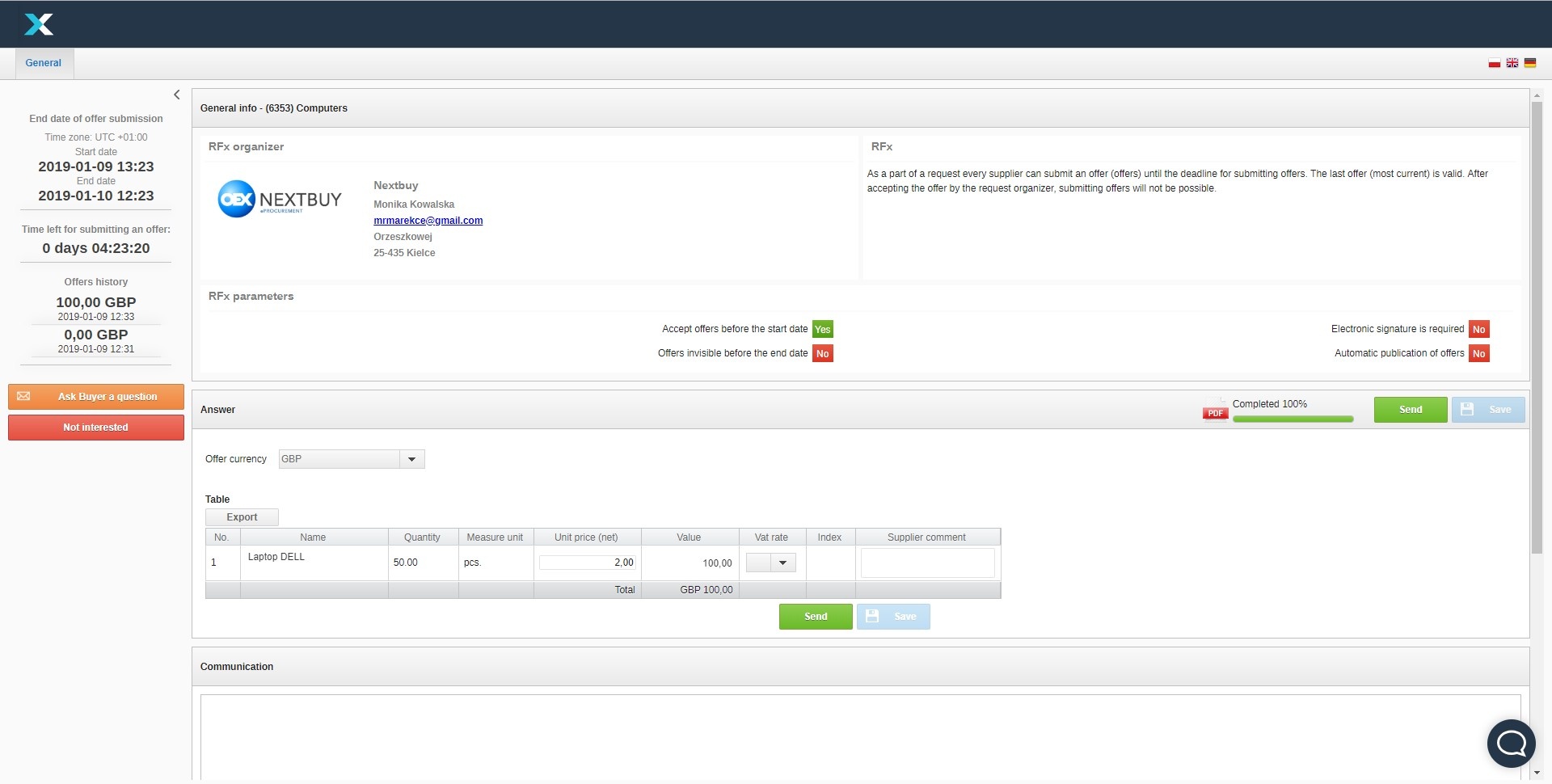
In order to submit an offer, the supplier completes the table must click the Save button and then the Send button.

IMPORTANT
Where there is more than one item in the table, the first bid specifies a list of items for which it will be possible to bid in the next proceeding (example: if there are 3 items in an auction and a bid is made for 2 items only, it will be possible to adjust the bid for these 2 items only in the next proceeding).
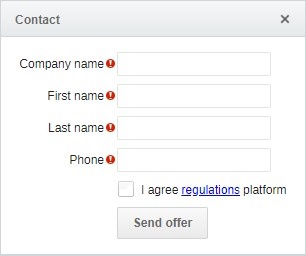
After clicking the Send button, a window appears that needs to be filled in with the name Company Name, First Name, Last Name and phone number. It is also necessary to accept the conditions of the platform. After filling in all the fields, click the Send offer button.
Also check: