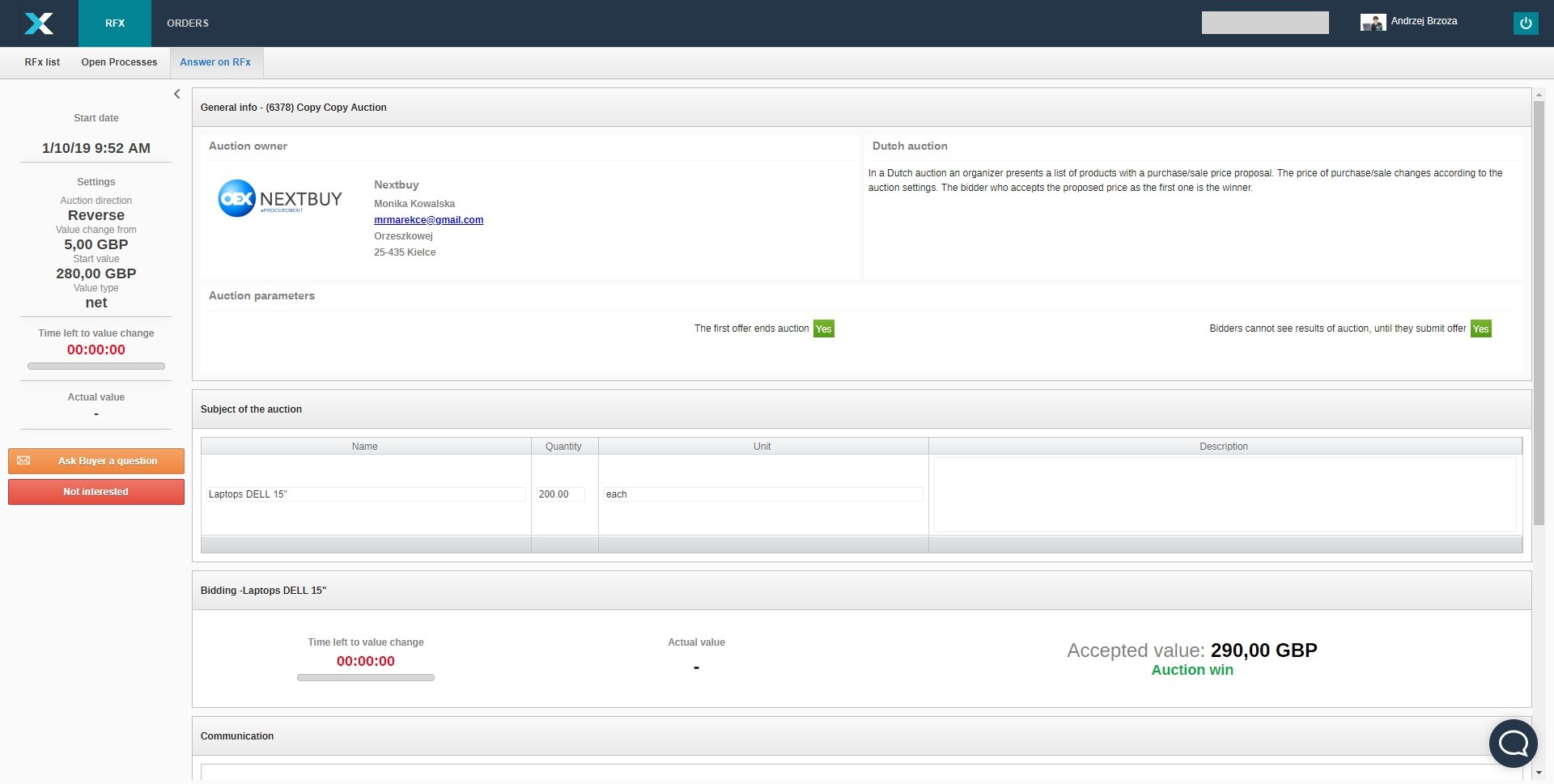
In order for the supplier to participate in the auction, he must receive an invitation from the buyer. The invitation is sent to the email address. The buyer can set the option of submitting offers by suppliers without creating an account on the platform. To display the query, you must click the Go to RFx button, but if the supplier is not interested, click the Uninterested button.
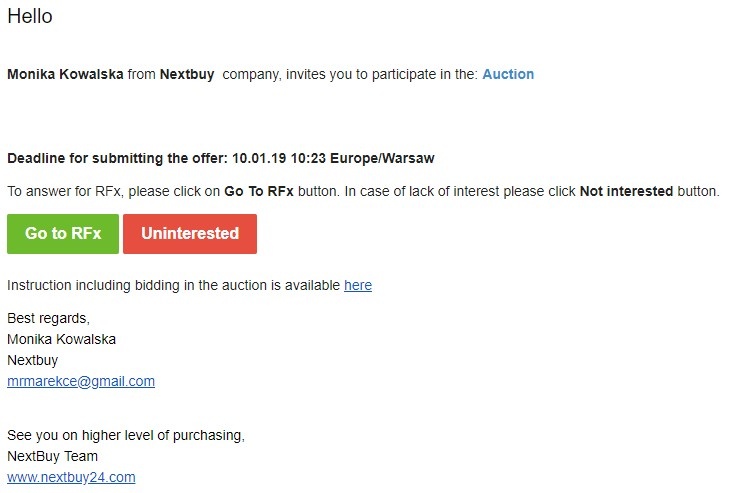
- After clicking the buttons Go to RFx the login page or the auction form will appear (depending on the configuration of the auction from the Buyer's site). If the login page appears, you will need to log in to the application.
IMPORTANT
You must log in to the data of the user who received the invitation to the auction. If the account does not exist during registration, please enter the e-mail address to which the invitation to the auction has been sent. Otherwise, participation in the auction will not be possible.
To make an offer, the supplier clicks on the button to accept the value when the value is right for him.
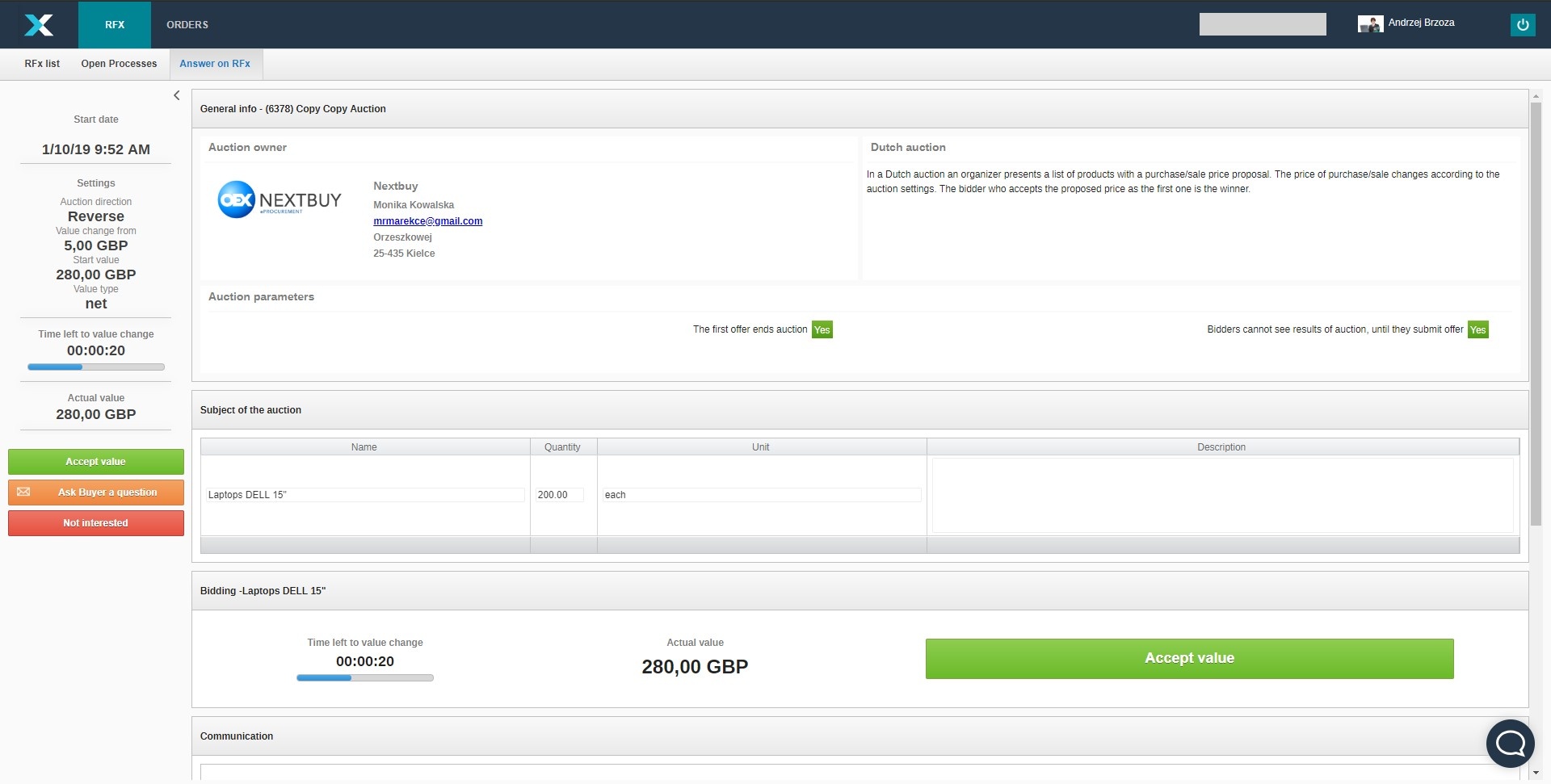
The first of the suppliers that clicks accept the value wins the auction.