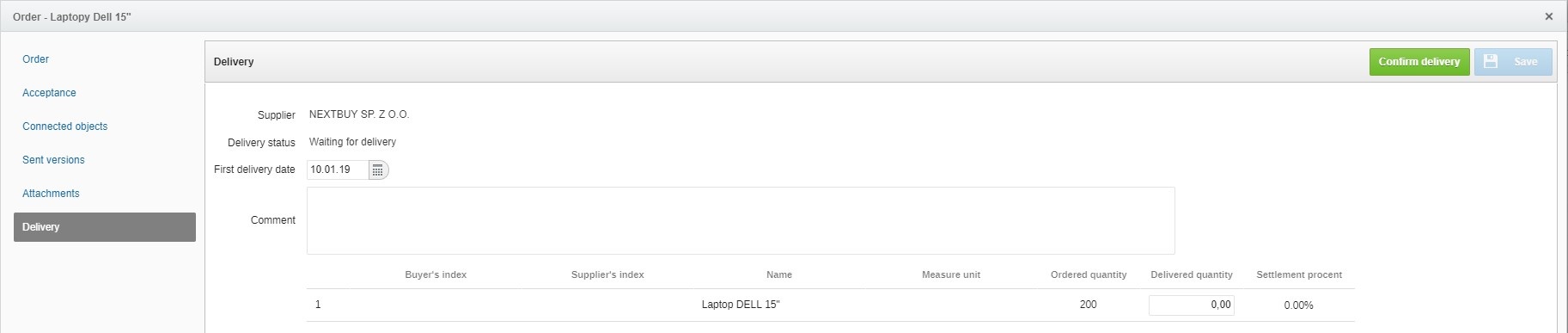
After sending the order to the supplier, an additional tab named Delivery appears in the order view.
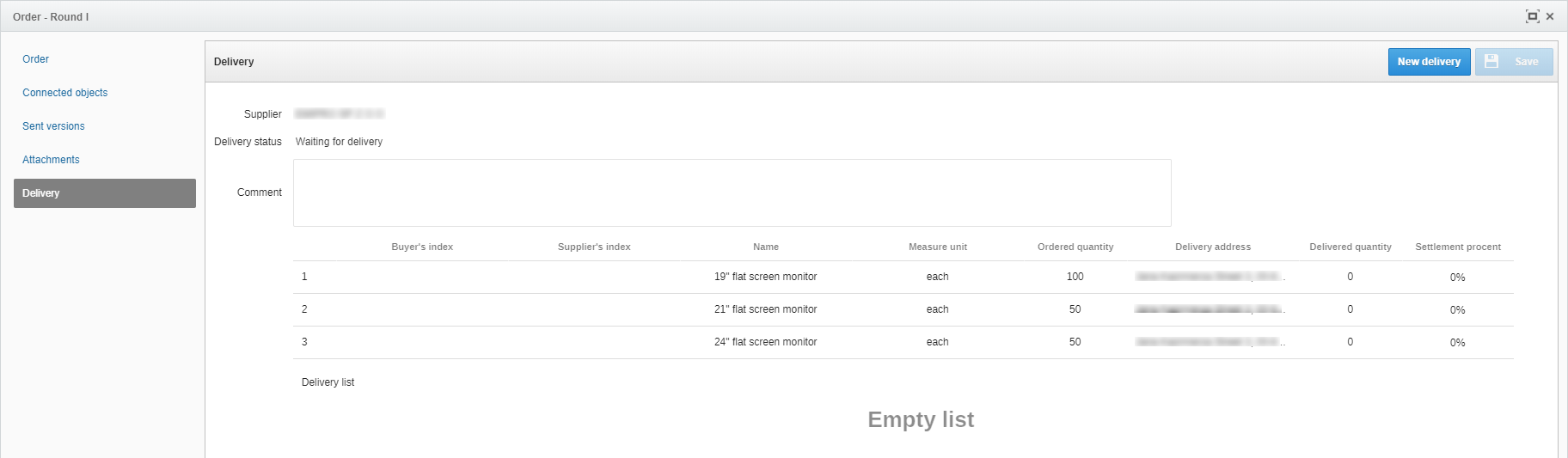
After pressing the New delivery button, the buyer has the option of specifying the delivery date, adding a comment as well as the quantity of products delivered. By clicking on Approve delivery button, it allows to save current status.
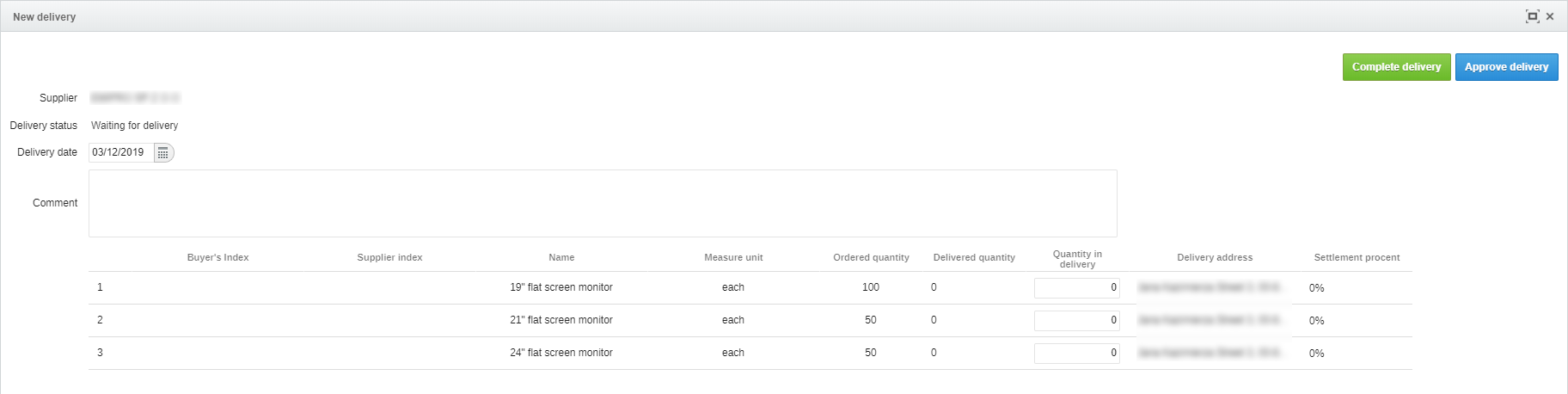
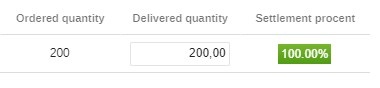
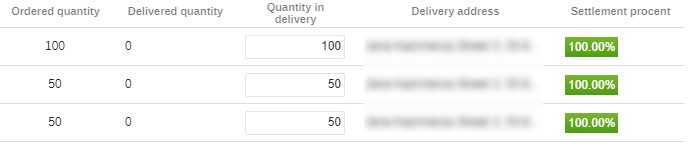
If the quantity of received products is the same as the quantity of products delivered, after pressing the Complete delivery button, the Settlement procent will be equal to 100%.
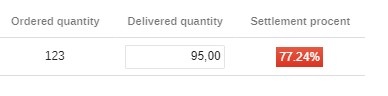
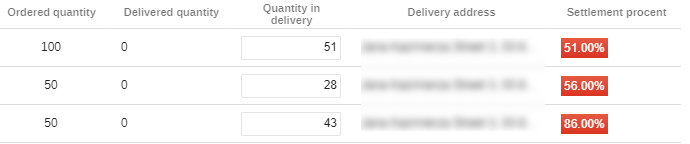
If the quantity of products delivered is less than the quantity of products ordered, the buyer has the option of entering the number of pieces delivered and then confirm the delivery.
The buyer also has the option of adding a Delivery date.

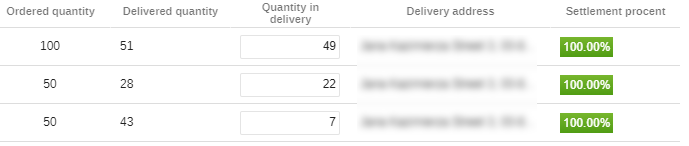
If the Buyer receives later the remainder of the order, he may add another delivery. By clicking the New delivery button again will be able to confirm next part of the delivery.
After confirming the deliveries, the Delivery List will appear in the Delivery tab along with such information as Delivery Date, Approver and Comment.

Attention
If you do not have a particular feature, please contact us for details.
Also check: