After the configuration of the settings and preparation of the RFx form, a given tender goes to the acceptance process.
In the RFx Acceptance tab, the inquiry owner starts the process by clicking on the Send for acceptance button. Then it goes to the person or persons responsible.

The accepting party may proceed to the RFx in three ways:
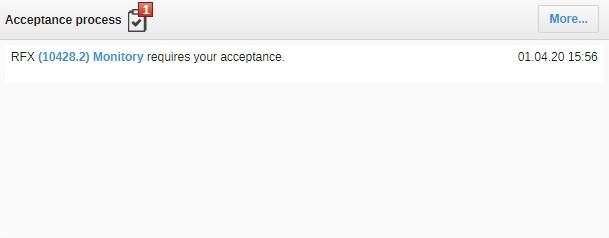
- On the main page, using the widget - acceptance process, click on the name of the given tender:
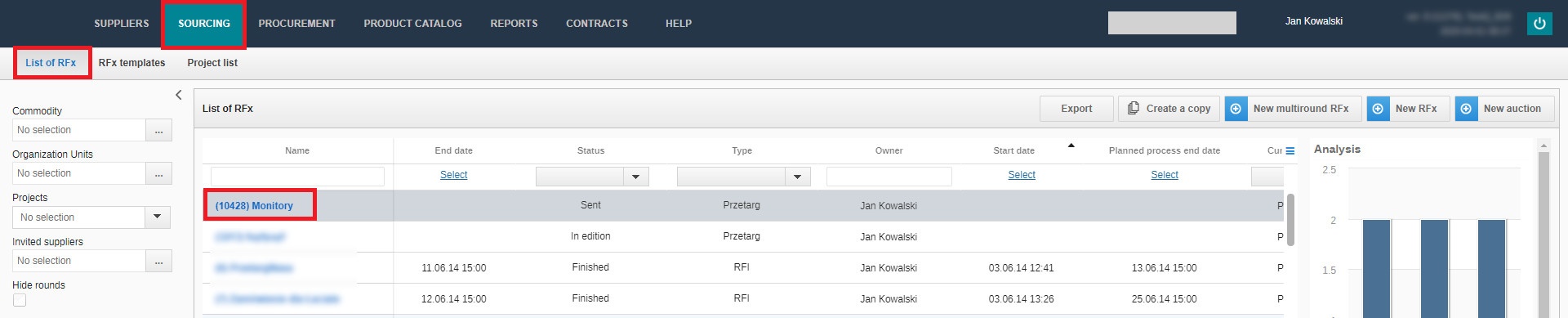
- In the Sourcing menu item on the List of RFx tab, click on the name of the tender:
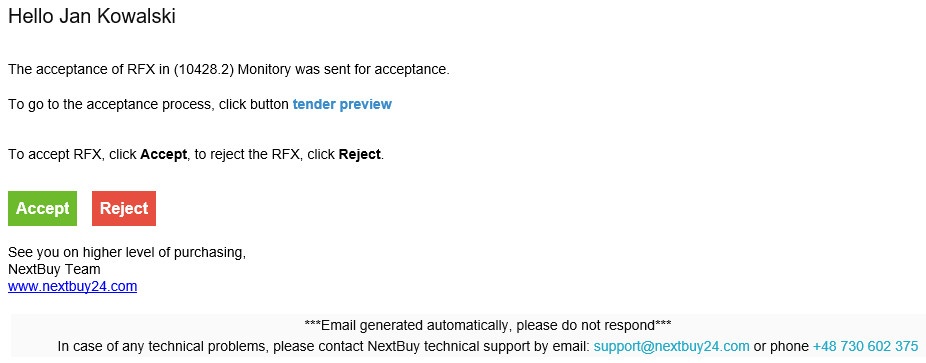
- In the received e-mail, click on the RFx name:
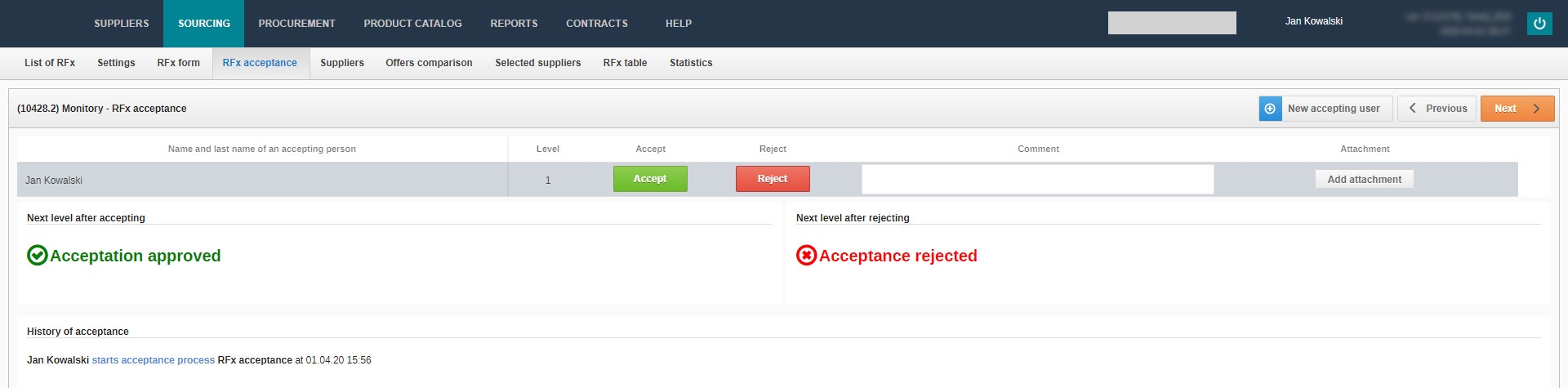
The responsible person can then accept or reject the RFx by going to the RFx Acceptance tab. There is also an option to add a comment or attachment during the process.
More about the RFx acceptance process You will find in the Acceptance process tab.
Attention
If you do not have a particular feature, please contact us for details.
Also check: