In the product list view of a given commodity, select a quantity and then click on the basket icon .
.

After such an action, a view of the shopping basket will appear in the upper right corner. Where you can still change the amount of product. The total net and gross value of products in the basket is visible.
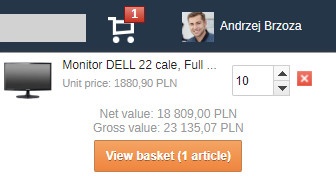
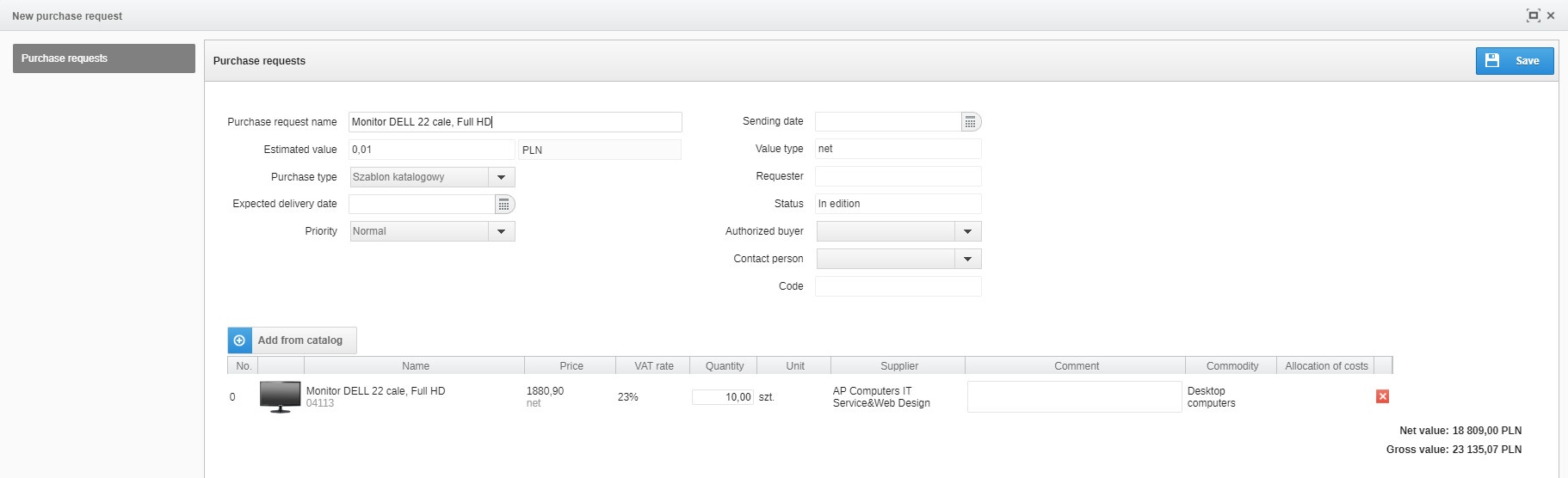
When you click the View Basket button, the system will automatically transfer you to the new purchase request window:
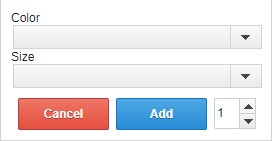
In case there are different variants available in a given product, after clicking on the basket icon a window will appear in which you should choose one of the available variants.
Learn more about creating new purchase request: