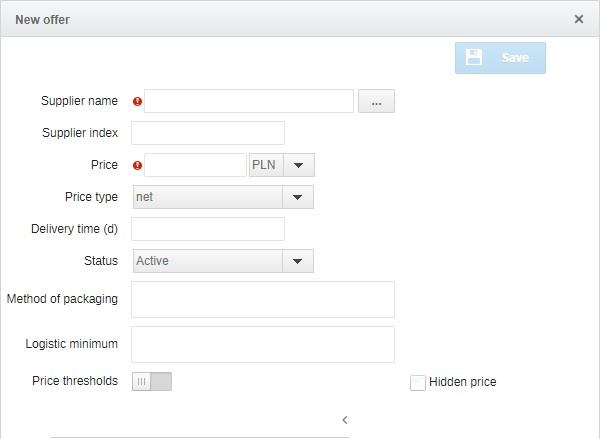
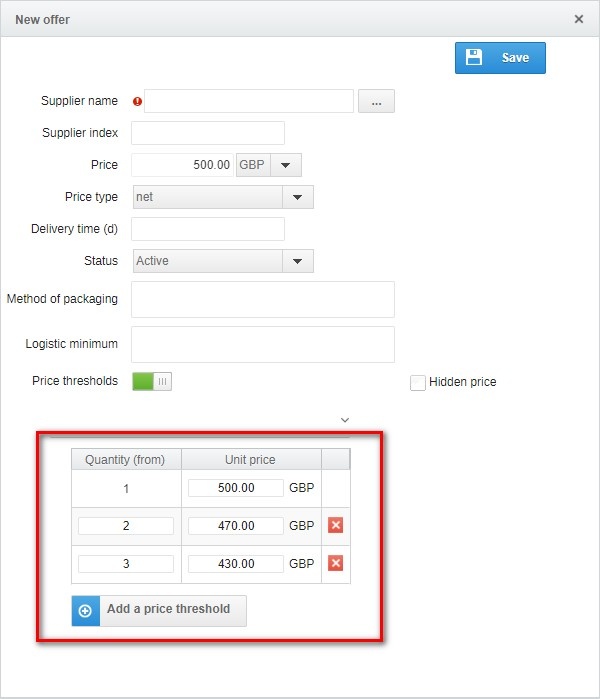
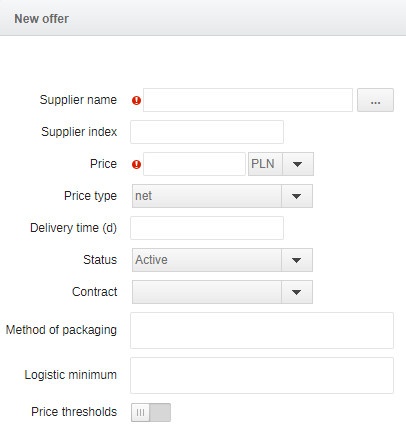
In the Catalogs of products module, the user can use the already existing catalogue products to create purchase request.
When you switch to the Catalogues module, the following view will appear:
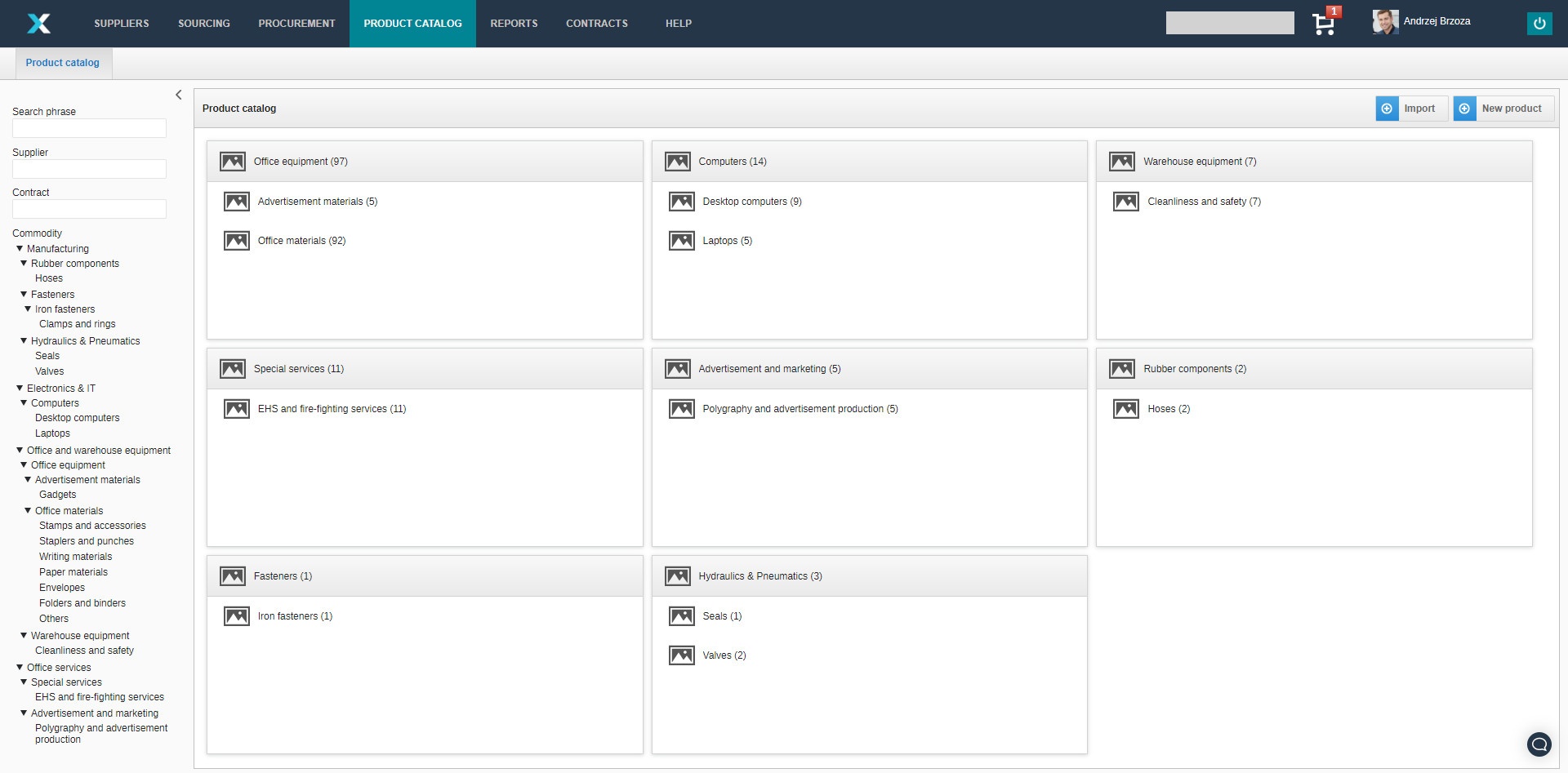
The following options are available for searching, visible on the left side of the screen:
- Search phrase - enter the product name, product number or commodity here;
- Supplier - search by supplier name;
- Contract - if a product is related to an object in the Contracts module, it is possible to see only those products related to a given contract;
- Commodity - after clicking on a given commodity, only products from this category will appear.
In the main part of the screen there is also a possibility to go to products from a given category. After moving to any category, such a view will appear:
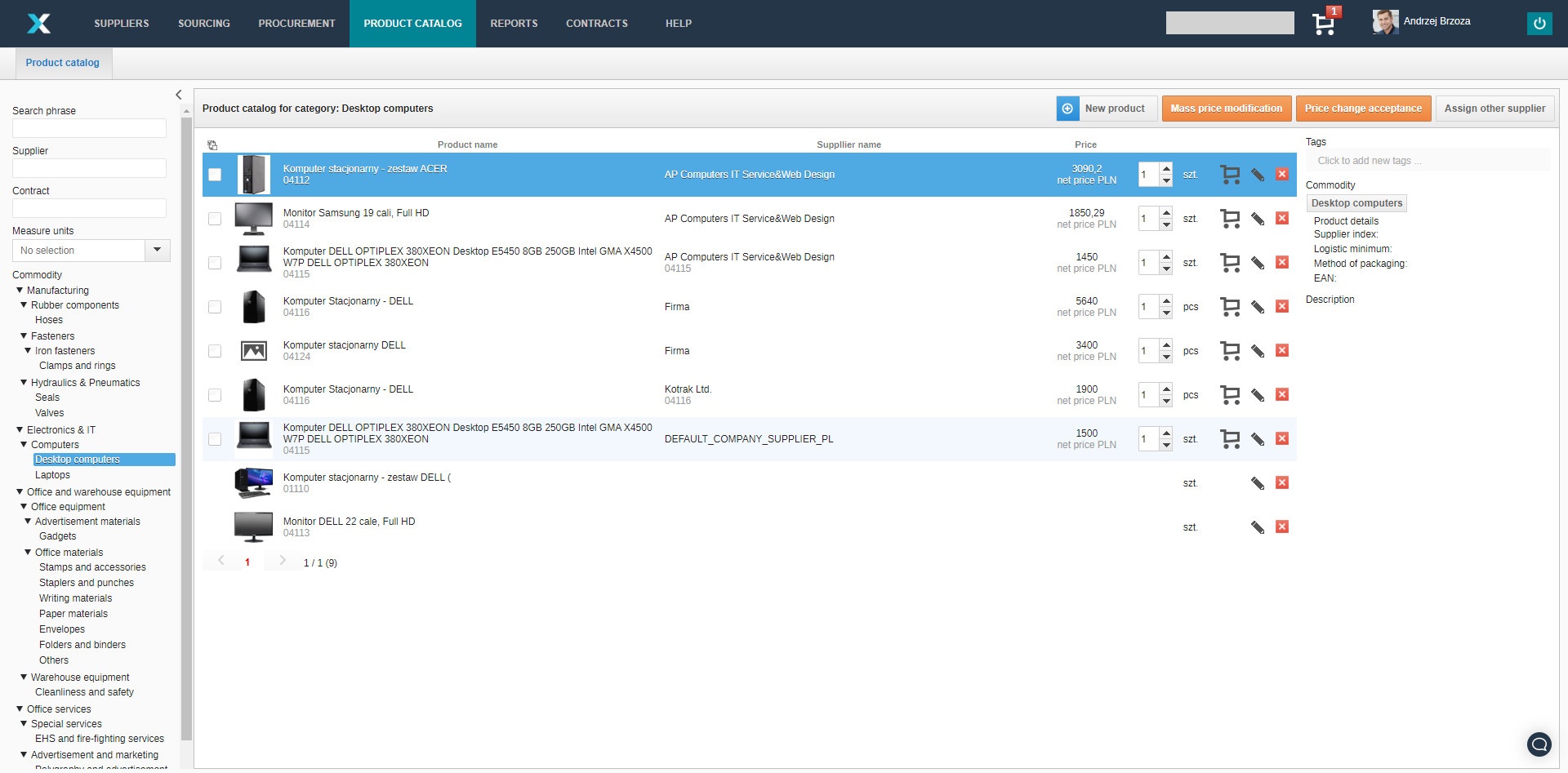
The following icons are visible in the line of each product:
 The trolley icon allows you to add the product to the shopping basket;
 The pencil icon allows you to edit information about the product;
 The cross icon allows you to remove the product.
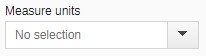
In the product list view, there is an additional option to filter by measure units.
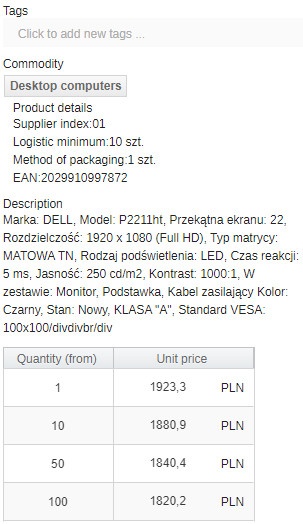
On the right hand side are visible detailed information about the product. Such as a list of assigned tags, commodities, supplier index, logistic minimum, method of packaging, EAN number, description and price thresholds.
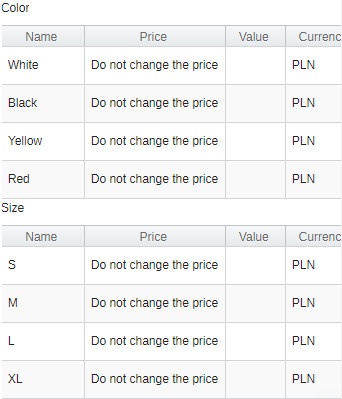
Also, if the product have a variant to choose from, it will be visible in the details.
Find out more about Catalogues of product:
Also see: